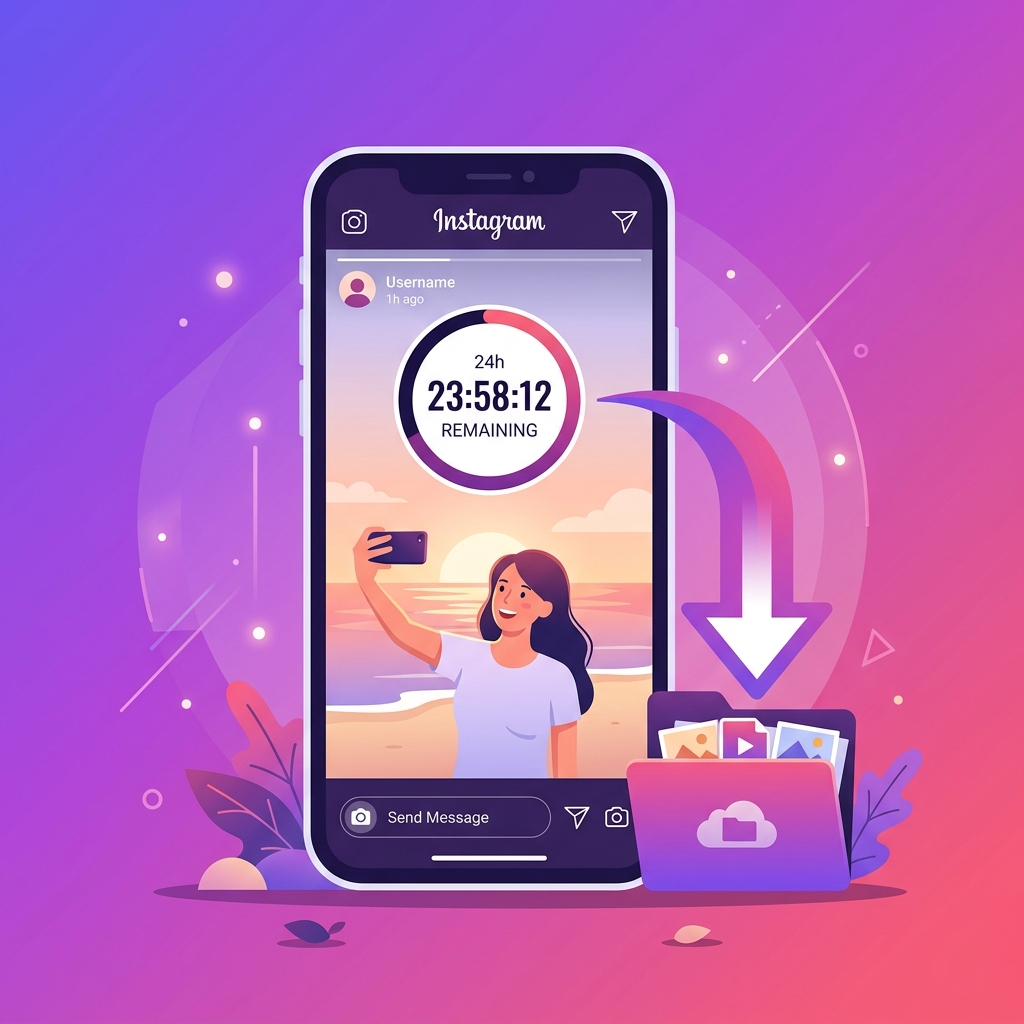
The 24-Hour Challenge: Why Urgency Matters
Instagram Stories are designed to be temporary, disappearing exactly 24 hours after they are posted. This makes them one of the most engaging formats on the platform, but also the most frustrating for anyone wanting to save a specific moment.
Whether it's a limited-time tutorial, a travel memory, or a brand update, once that timer hits zero, the content is gone from the public view forever (unless it's saved to Highlights).
In this guide, we'll show you how to use VidSnapio's specialized Story parser to extract these files in high quality before they vanish.
Step 1: Copying the Story Link Correcty
Unlike regular posts, Stories require a specific URL structure. To get the correct link on mobile, open the Story, tap the three dots (or the share icon), and select 'Copy Link'.
On a desktop browser, the URL in your address bar while viewing a Story is usually sufficient, as long as it contains the '/stories/' path followed by the username and post ID.
Advertisement
VidSnapio
Please disable AdBlock to support us!
Step 2: Using the VidSnapio Story Downloader
Once you have the link, navigate to our dedicated Story Downloader page. Paste the URL and hit the download button. Our system will immediately ping the Instagram CDN to find the raw video or image file.
Because Stories are processed differently than feed posts, our tool is optimized to detect whether the slide is a photo or a video and serve the appropriate high-quality format.